
Battery Backup for Modem and Router
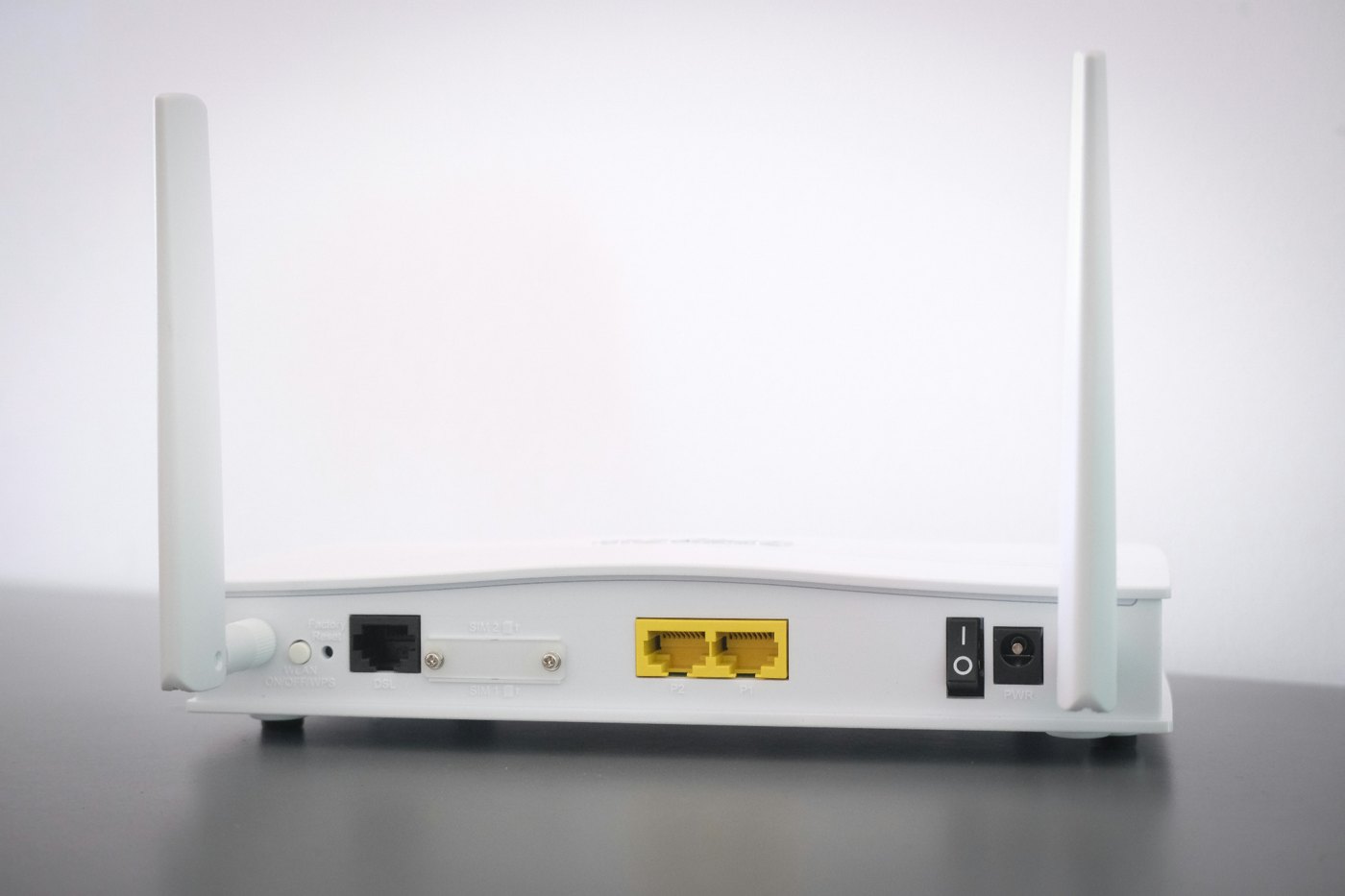
If you want to keep WiFi working during an outage, back up the whole internet chain: modem or gateway, Wi-Fi router, fiber ONT if you have one, and the mesh node you actually need. For most homes, a small UPS is the cleanest battery backup for a modem and router; use a portable power station when you need longer runtime or want to charge phones and laptops too.
Quick answer: UPS first, power station for longer outages
For most modem and router setups, a UPS is the cleaner first answer because it switches instantly and can sit in place every day. A portable power station makes more sense when the outage may last for several hours, when you need extra router battery backup runtime, or when the same battery also has to support phones, lights, or a laptop.
What actually needs power for internet to stay up
Many people only plug in the Wi-Fi router and forget the rest of the chain. Cable modem service may need the modem and router. Fiber may need an ONT, gateway, and router. Mesh systems may need the primary router plus one or more nodes if coverage matters during the outage.
| Equipment | UPS-first? | Notes |
|---|---|---|
| Modem or gateway | Yes | Usually low wattage and ideal for a UPS. |
| Wi-Fi router | Yes | Keep it on the same UPS as the modem if possible. |
| Fiber ONT | Yes | Often forgotten; no ONT power can mean no service. |
| Mesh nodes | Maybe | Back up only the nodes you need for emergency coverage. |
How big a UPS for a router and modem?
A modem/router setup is usually a low-watt load, but runtime depends on the exact equipment and UPS battery size. The practical approach is to plug in the actual modem, router, and ONT, then test how long the UPS lasts. If your only goal is to avoid internet drops during flickers or short outages, a UPS may be enough. If you want several hours, compare runtime specs carefully or step up to a power station.
When a power station is better
A power station becomes the better tool when the outage is measured in hours, not minutes, or when you want to recharge phones and laptops from the same battery. The tradeoff is that many power stations are not true always-on UPS devices. Some have EPS/UPS-style modes, but switchover performance varies by model.
Buy this if / skip this if
Choose a UPS if
- You mainly want to avoid modem/router resets.
- You need automatic switchover during short outages.
- You want a simple always-connected setup.
Choose a power station if
- You want multi-hour runtime.
- You also need phones, lights, or laptops.
- You are willing to manually manage charging and placement.